
 01273 837559
Whilst on the Stock Book report page, you are able to see individual Vehicle History Report which shows more details as to the sales & purchase information of the vehicle.
Hover over the row of the vehicle, and the quick links to the History Report, Sales Invoice & Purchase Invoice will appear.
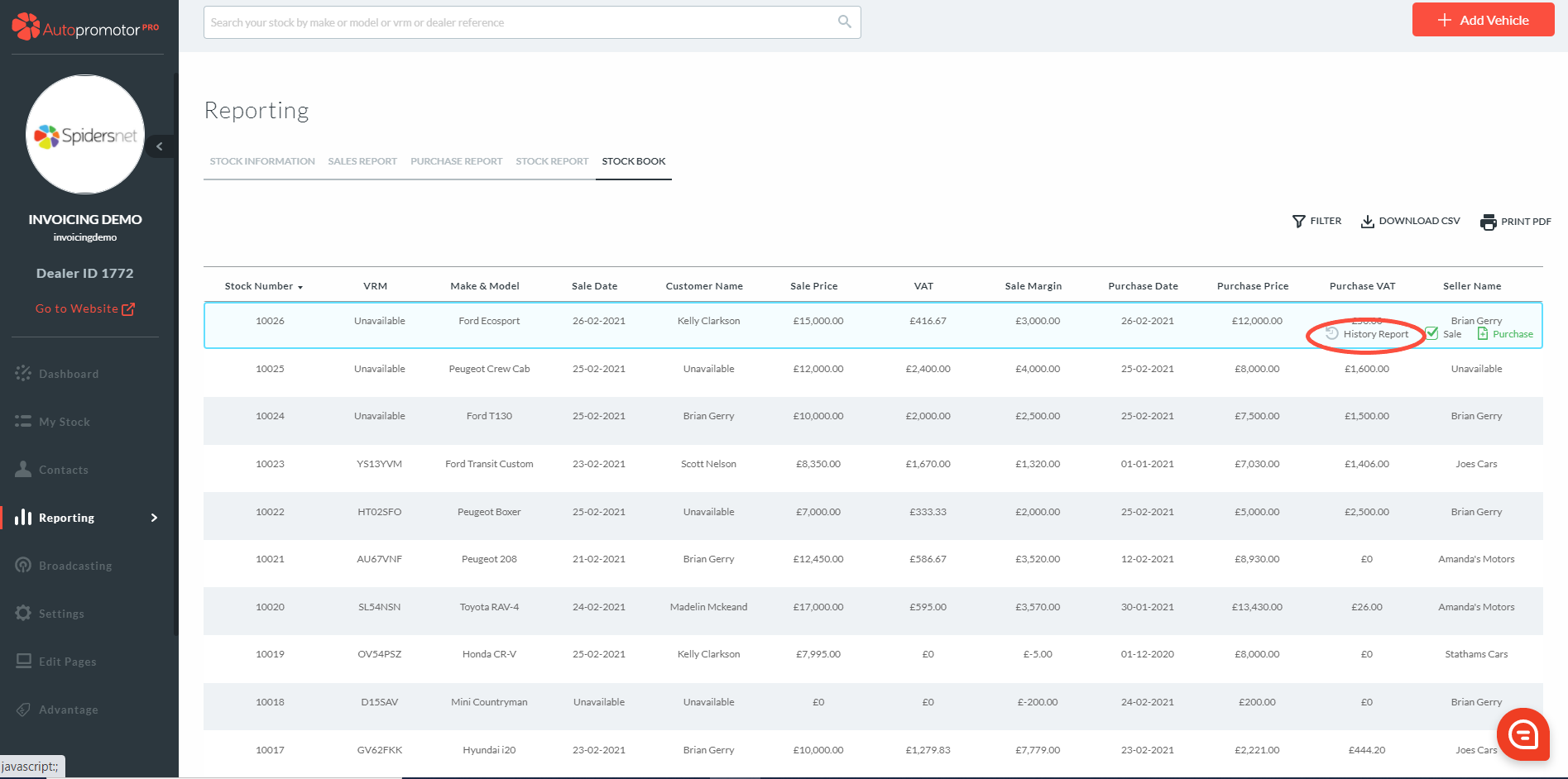
The History Report can only be accessed when both the Purchase & Sales invoice has been completed against the vehicle.
The report is an easy way to see both Purchase & Sales information about the vehicle on one page.
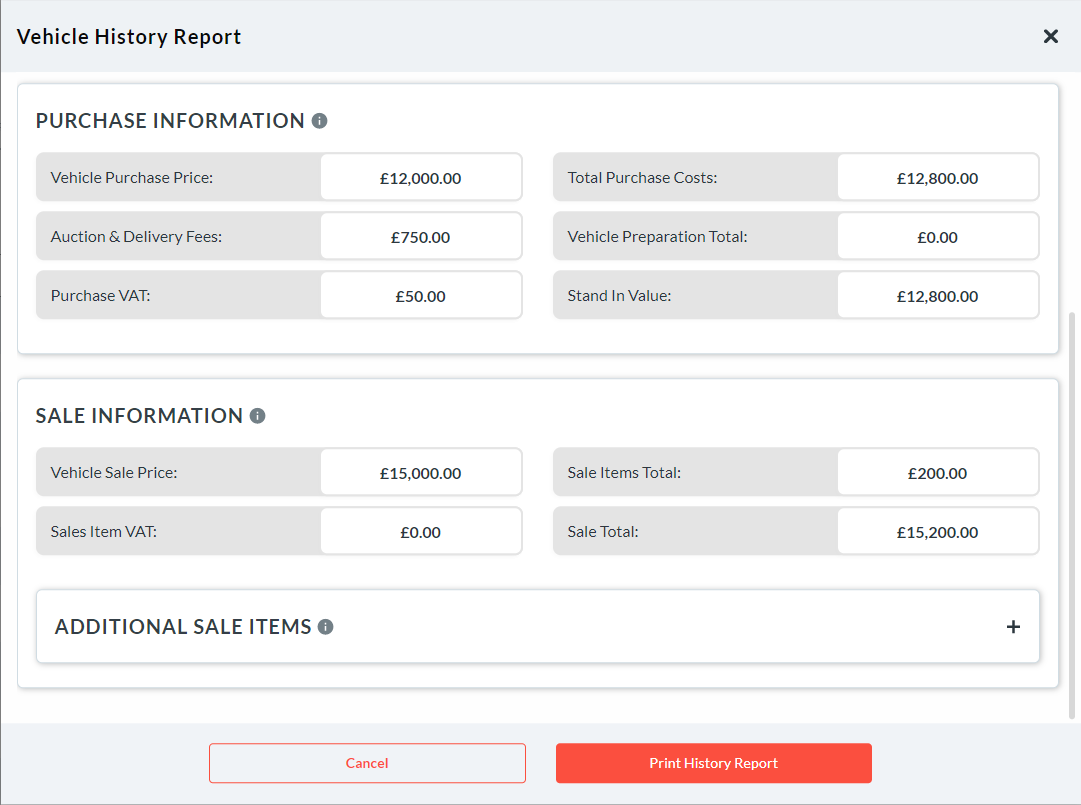
You can also print the History Report which pulls through the purchase & sales history of the vehicle onto one page.
Was this helpful?
Let us know if this guide was helpful and you found out what you needed to know. If you didn't find all the information you required, then click 'No I still need more help' and fill in the form so we can assist you further.
 01273 837559
 Email Us