
 01273 837559
This guide will help direct you to adding a new page of content to your website.
Step by step;
- Login to Autopromotor
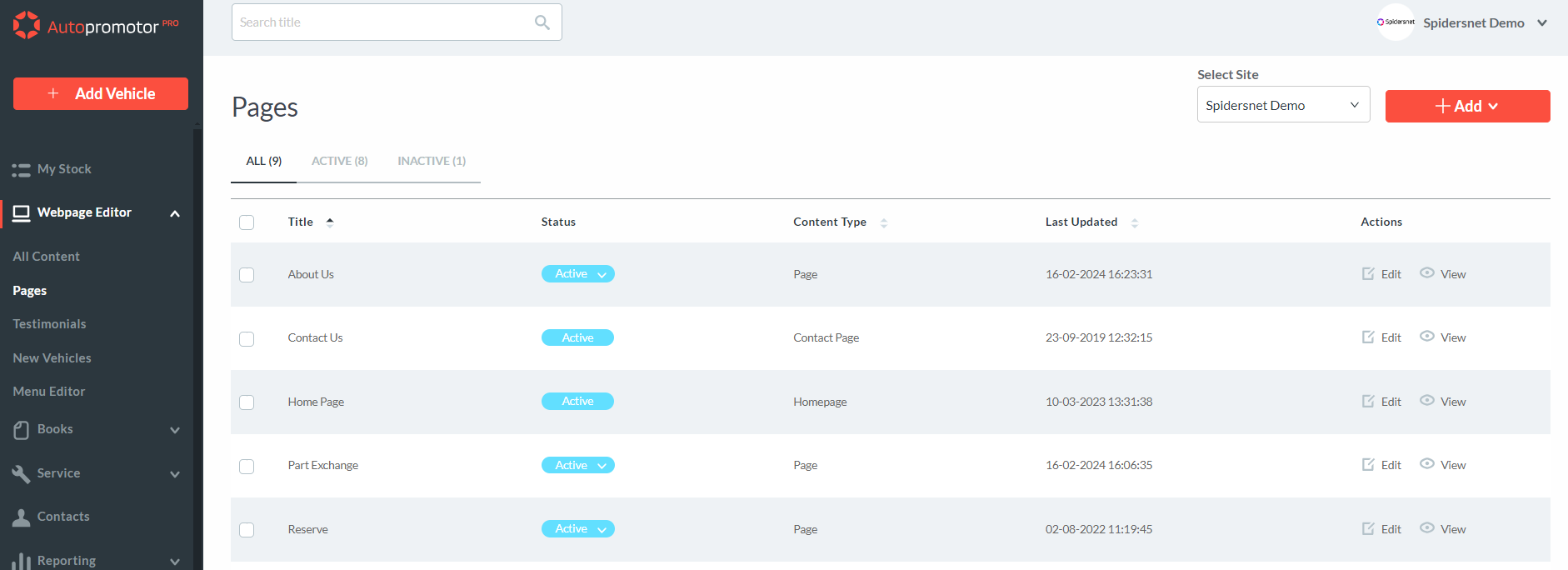
- On the sidebar, click on ‘Edit Pages’
- On the ‘Content Pages’ screen, click on the red ‘+ Add’ button
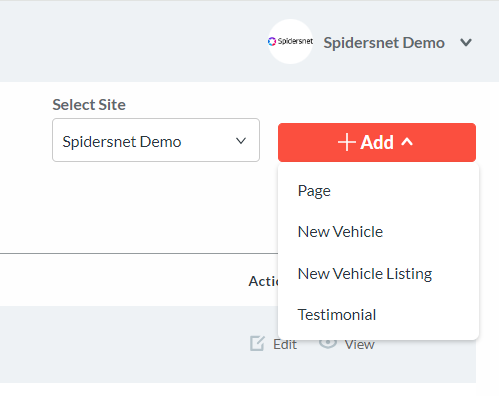
4. Select ‘Page’
5. Once you have clicked on ‘Add’, it will take you through to the Page Content screen,
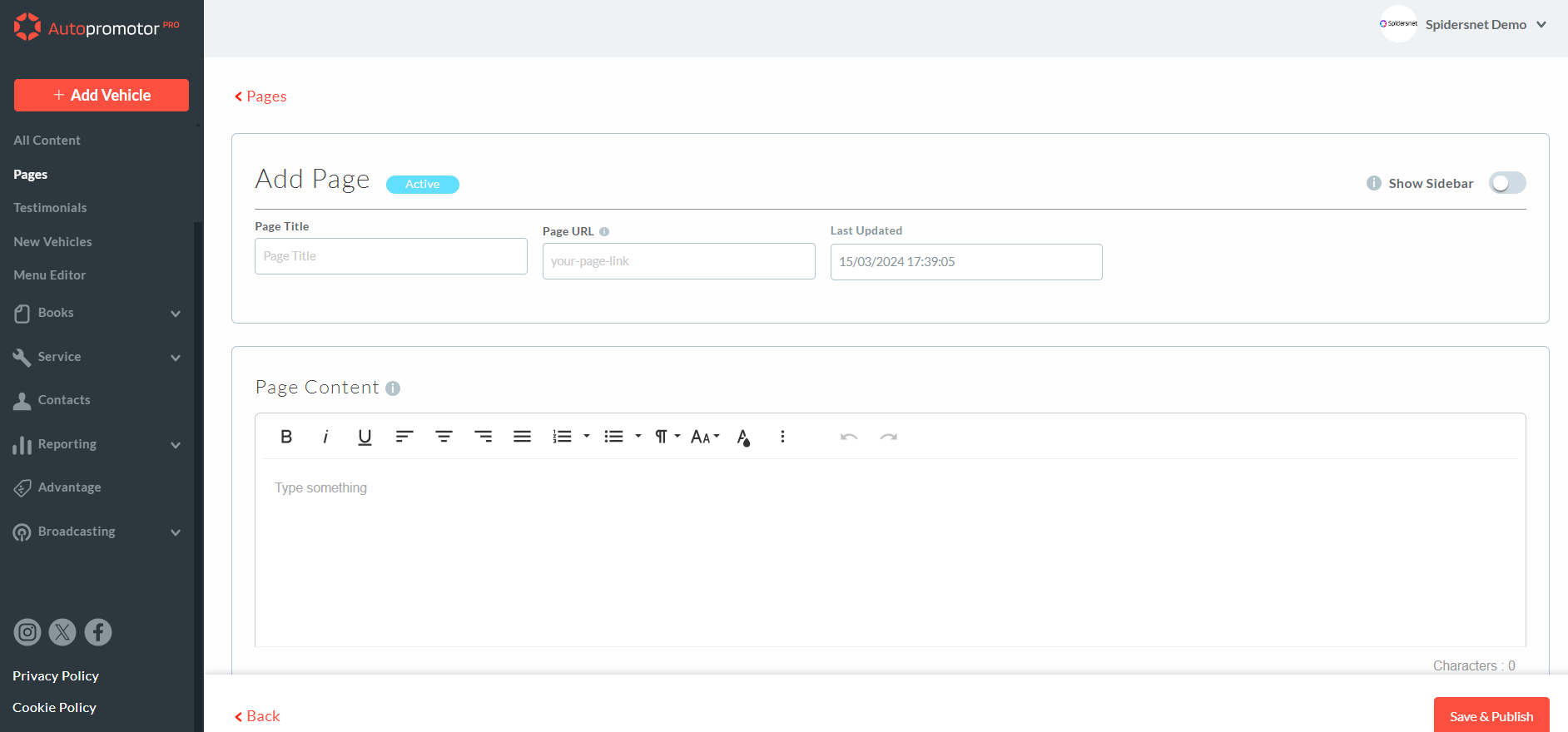
Click here to to find out more about adding Page Content.
Was this helpful?
Let us know if this guide was helpful and you found out what you needed to know. If you didn't find all the information you required, then click 'No I still need more help' and fill in the form so we can assist you further.
 01273 837559
 Email Us