
 01273 837559
Once an ad has been uploaded to your website using Autopromotor you are able to make edits at any time. Watch the video below or read our step-by-step guide to see how you can use Autopromotor to edit stock that is listed on your website.
Video guide:
Step-by-step guide:
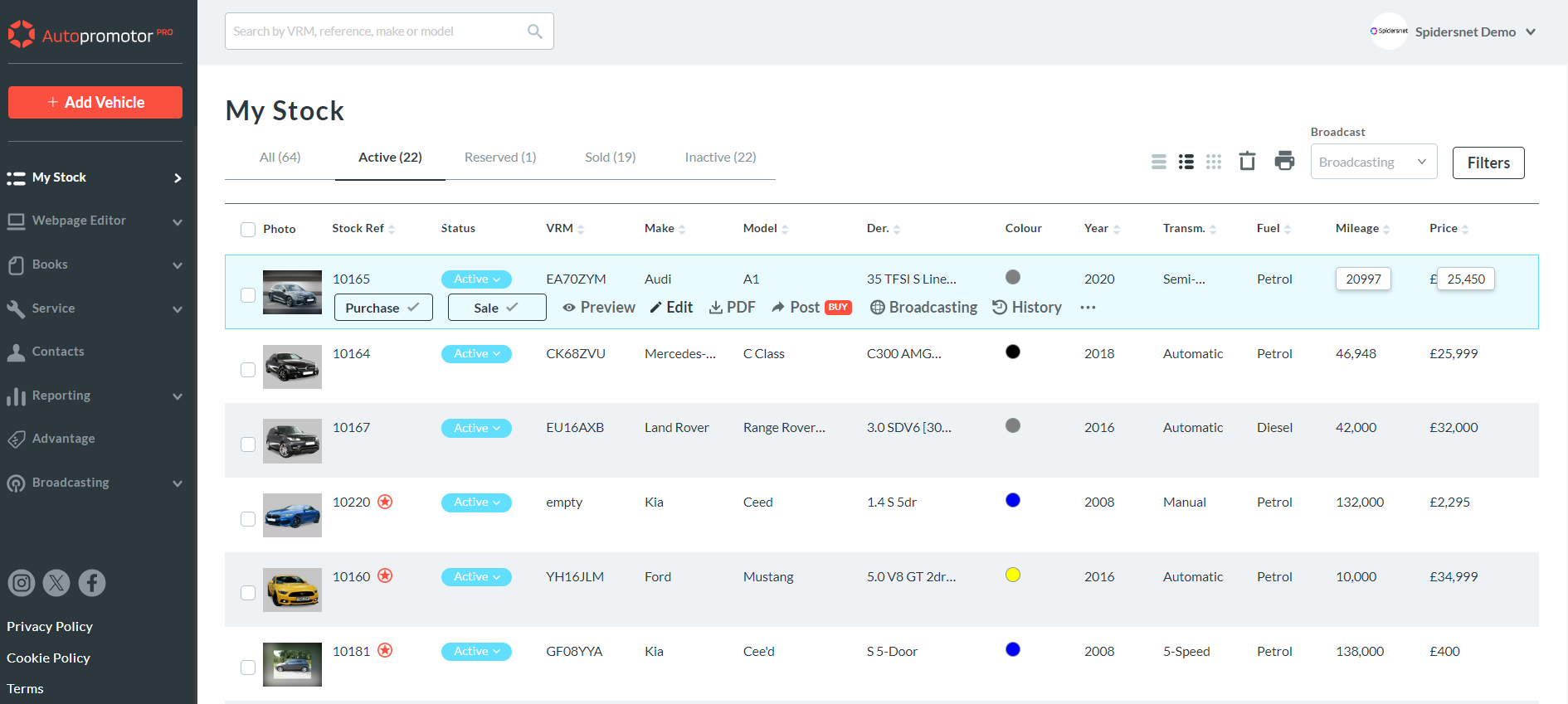
1 – Firstly, click on the ‘My Stock’ link on the left hand side. Next, click ‘Edit’ next to the vehicle you would like to edit.
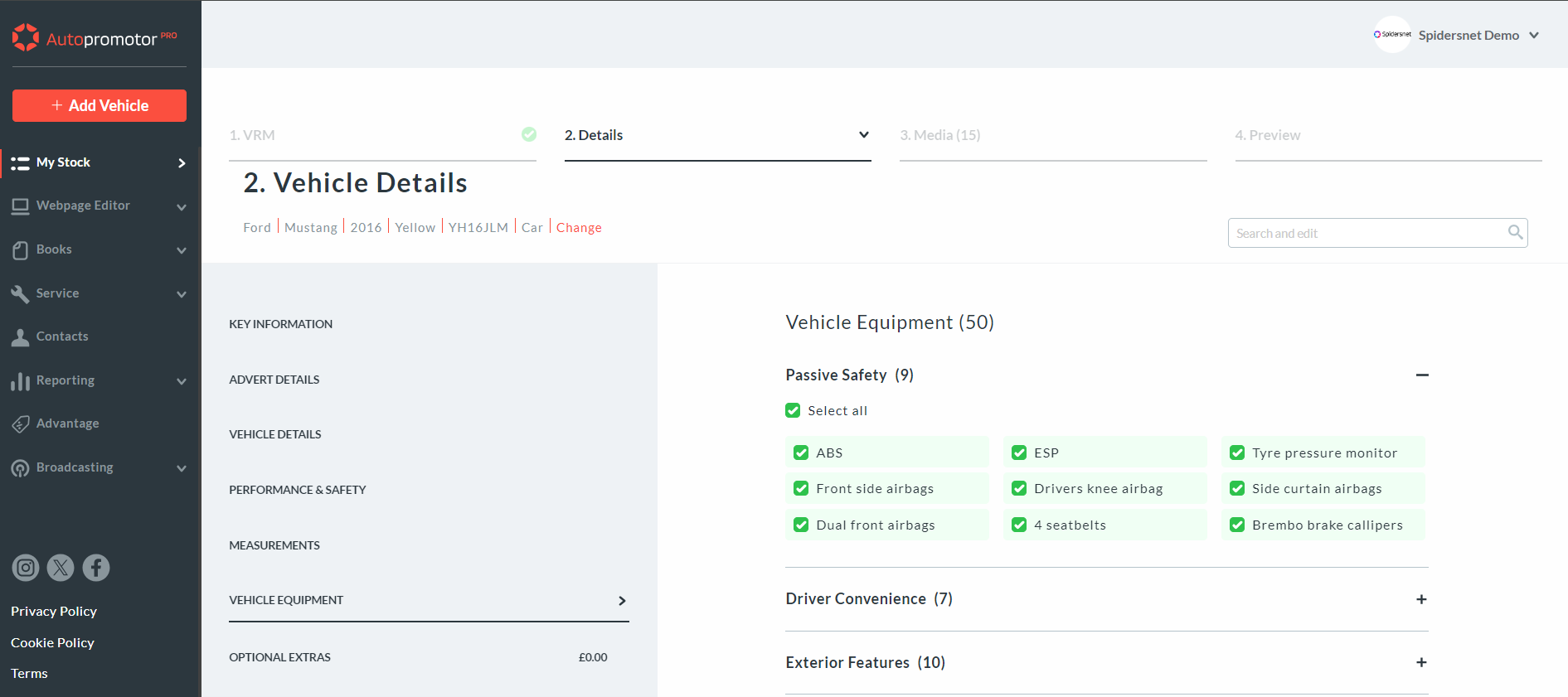
2 – You are then able to edit the vehicle’s:
a.) Details
b.) Advert and pricing information
c.) Performance and safety details
d.) Additional information
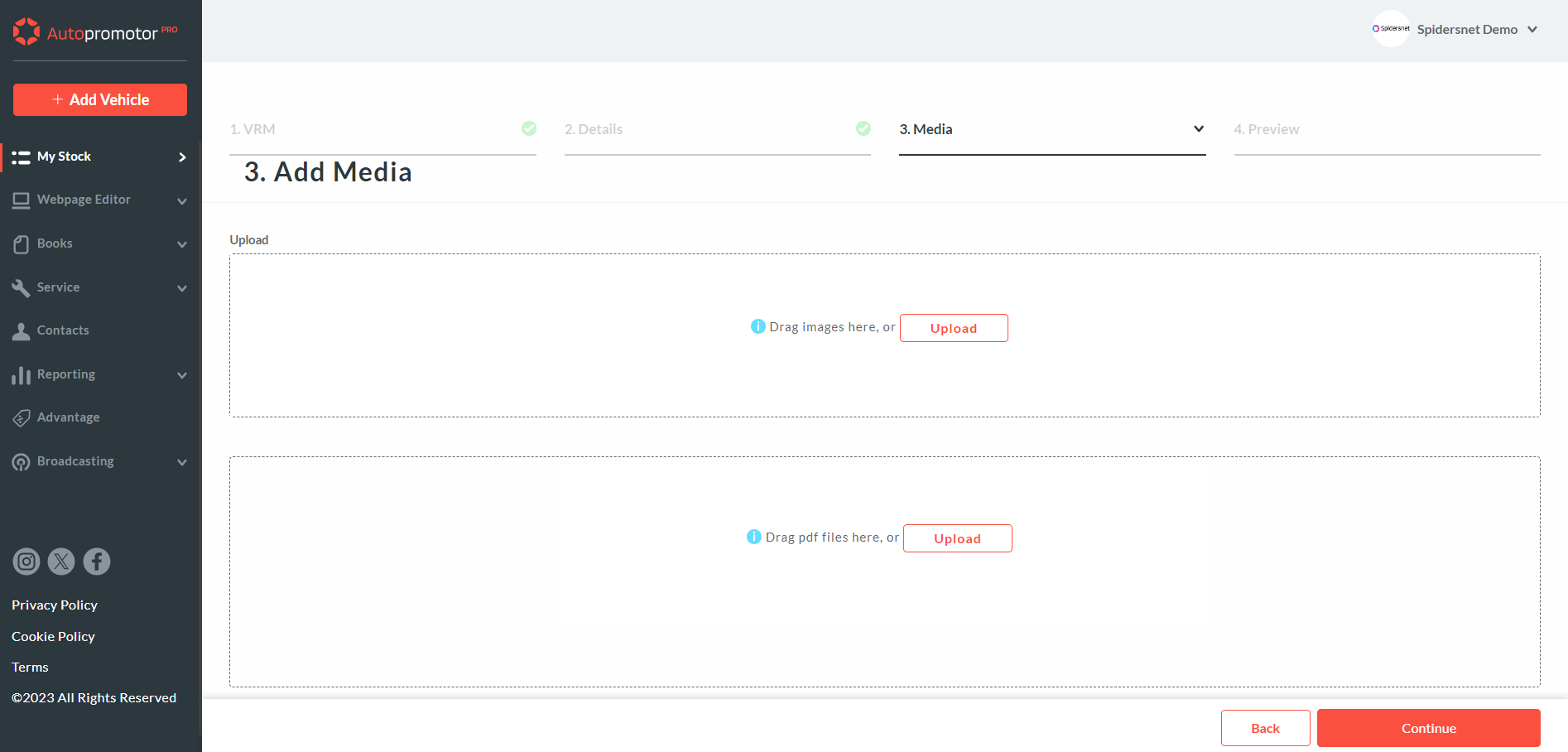
3 – To edit the images, or add new images, click on the ‘Media’ link. Once here you are able to add new images, edit images, and reorder your images. You can also add documents and videos from the Media page.
Was this helpful?
Let us know if this guide was helpful and you found out what you needed to know. If you didn't find all the information you required, then click 'No I still need more help' and fill in the form so we can assist you further.
 01273 837559
 Email Us