
 01273 837559
When looking at your stock in Autopromotor you can order your vehicles based on a number of different criteria. For example you may wish to see them in alphabetical order based on the make, or you may wish to order them by price or year. It’s up to you.
Video Guide:
Step-by-step guide:
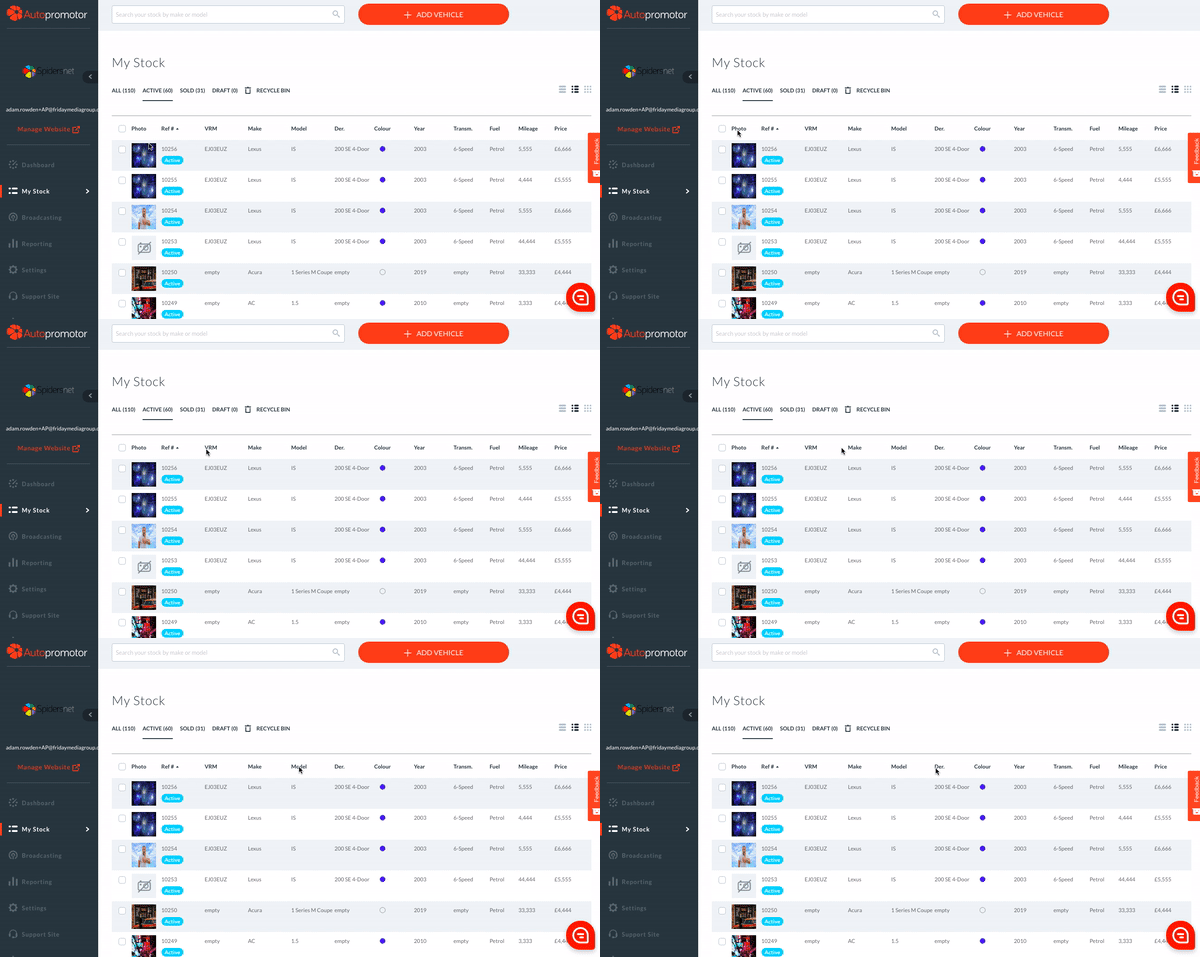
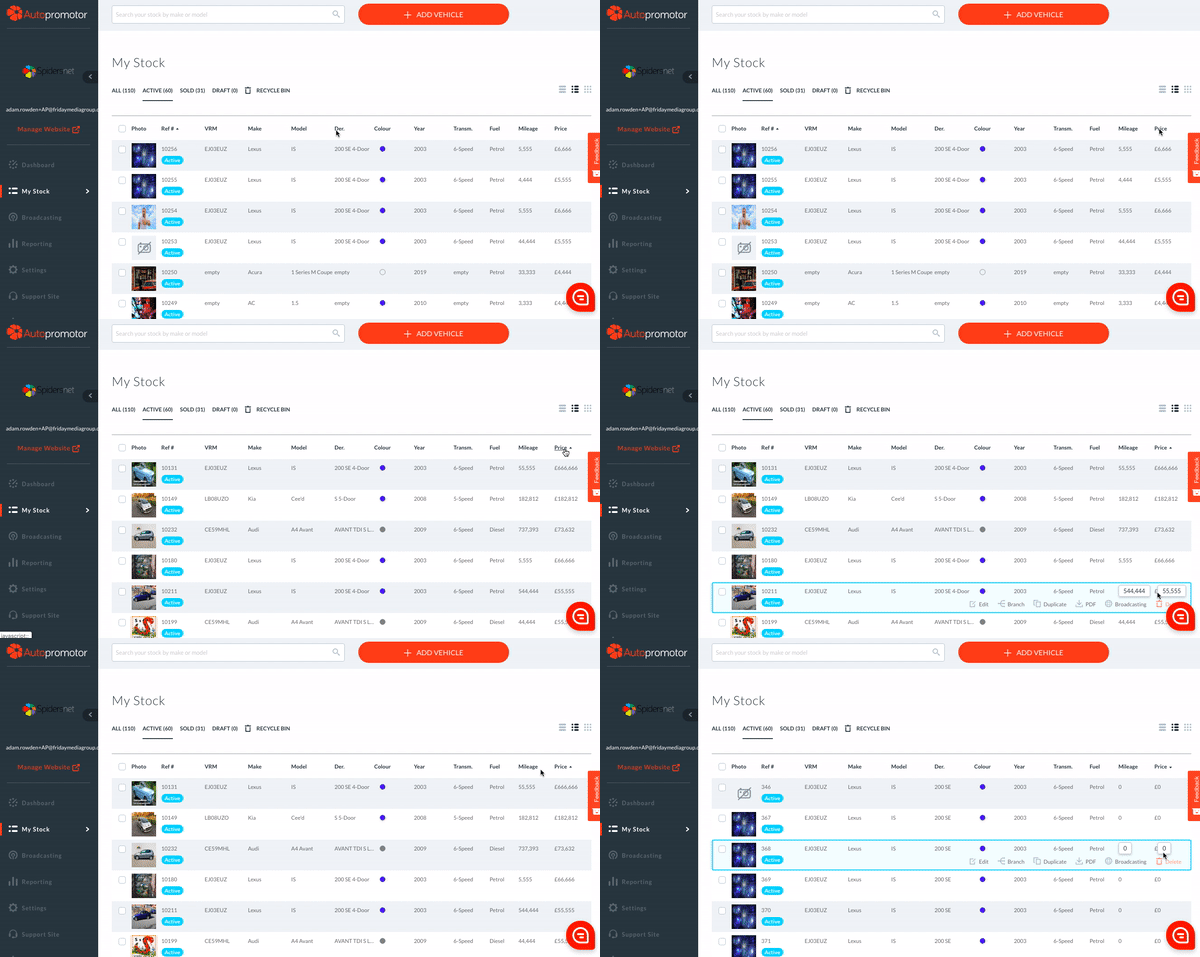
So if you want to sort your stock by price, looking at the most expensive first, you’d simply click ‘Price’ at the top of the list. This will then reorder the stock based on price. If you wish to reorder, viewing the cheapest first, all you have to do is click ‘Price’ again.
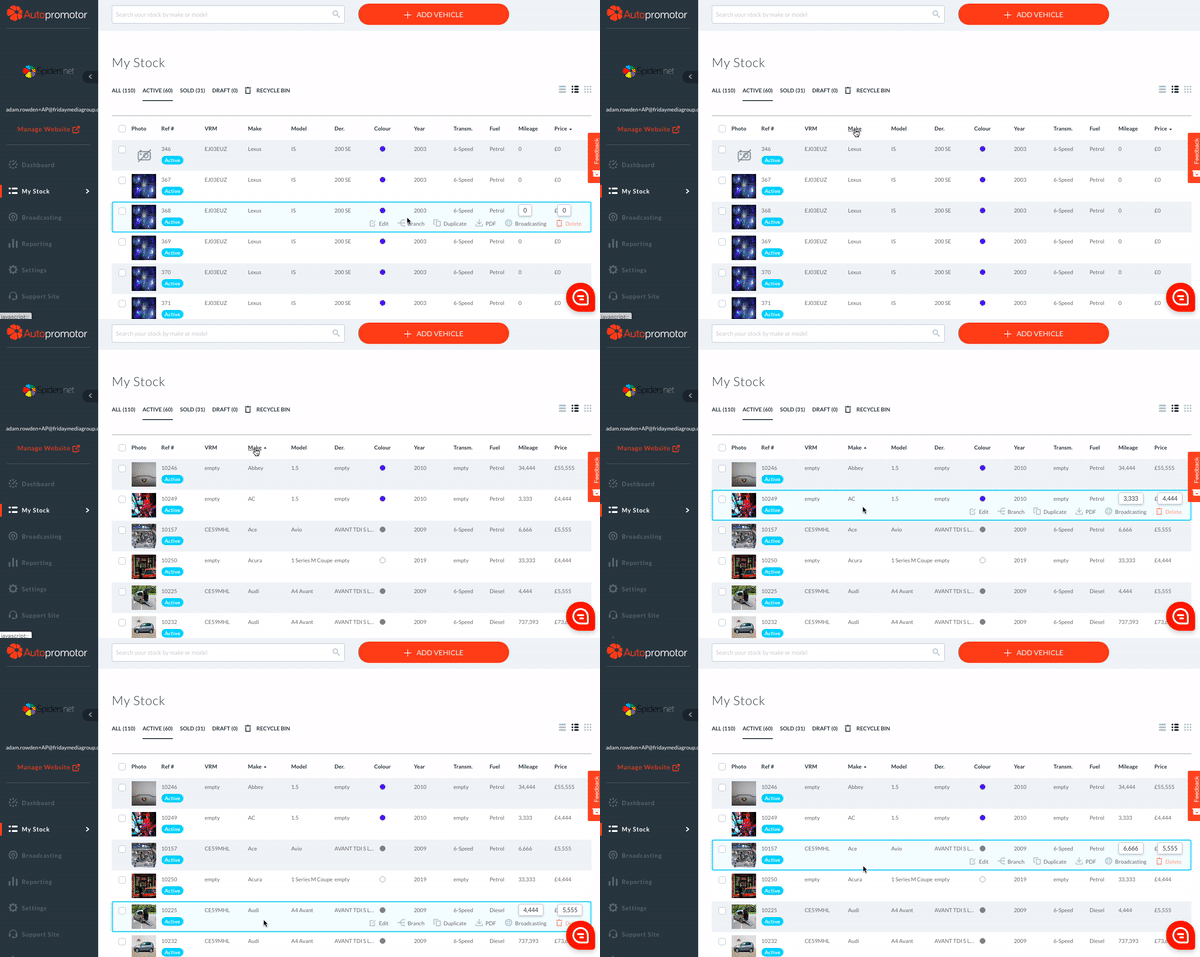
You can then use this logic for all of the other columns. To alphabetise based on make, simply click on the ‘Make’ heading. And so on with the others.
Was this helpful?
Let us know if this guide was helpful and you found out what you needed to know. If you didn't find all the information you required, then click 'No I still need more help' and fill in the form so we can assist you further.
 01273 837559
 Email Us