
 01273 837559
If a slide is no longer required on your website, you can easily delete from the page.
Video:
Follow our step-by-step guide on how to do this:
- Login to Autopromotor
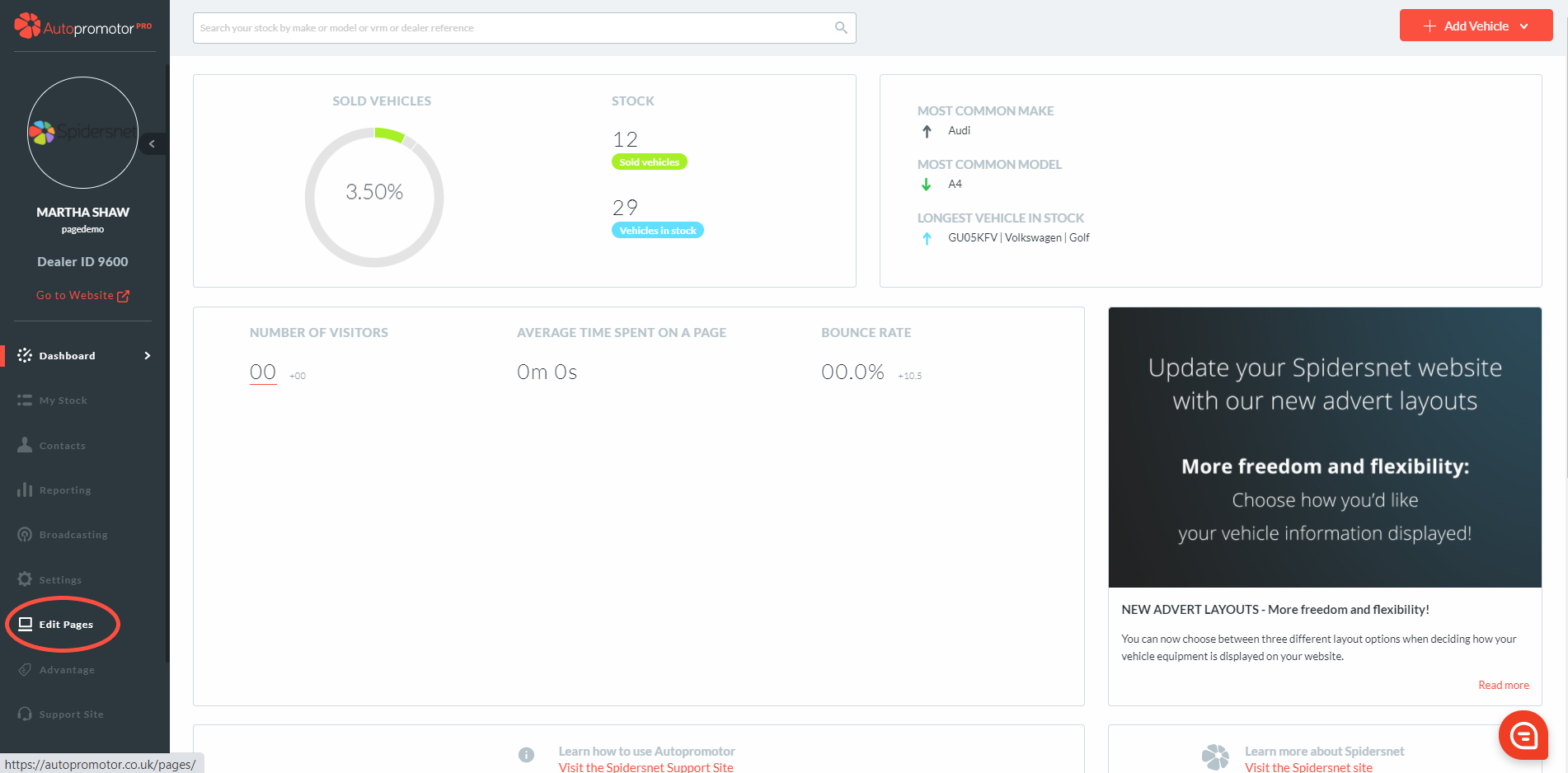
- Go to ‘Edit Pages’ on the left hand navigation bar
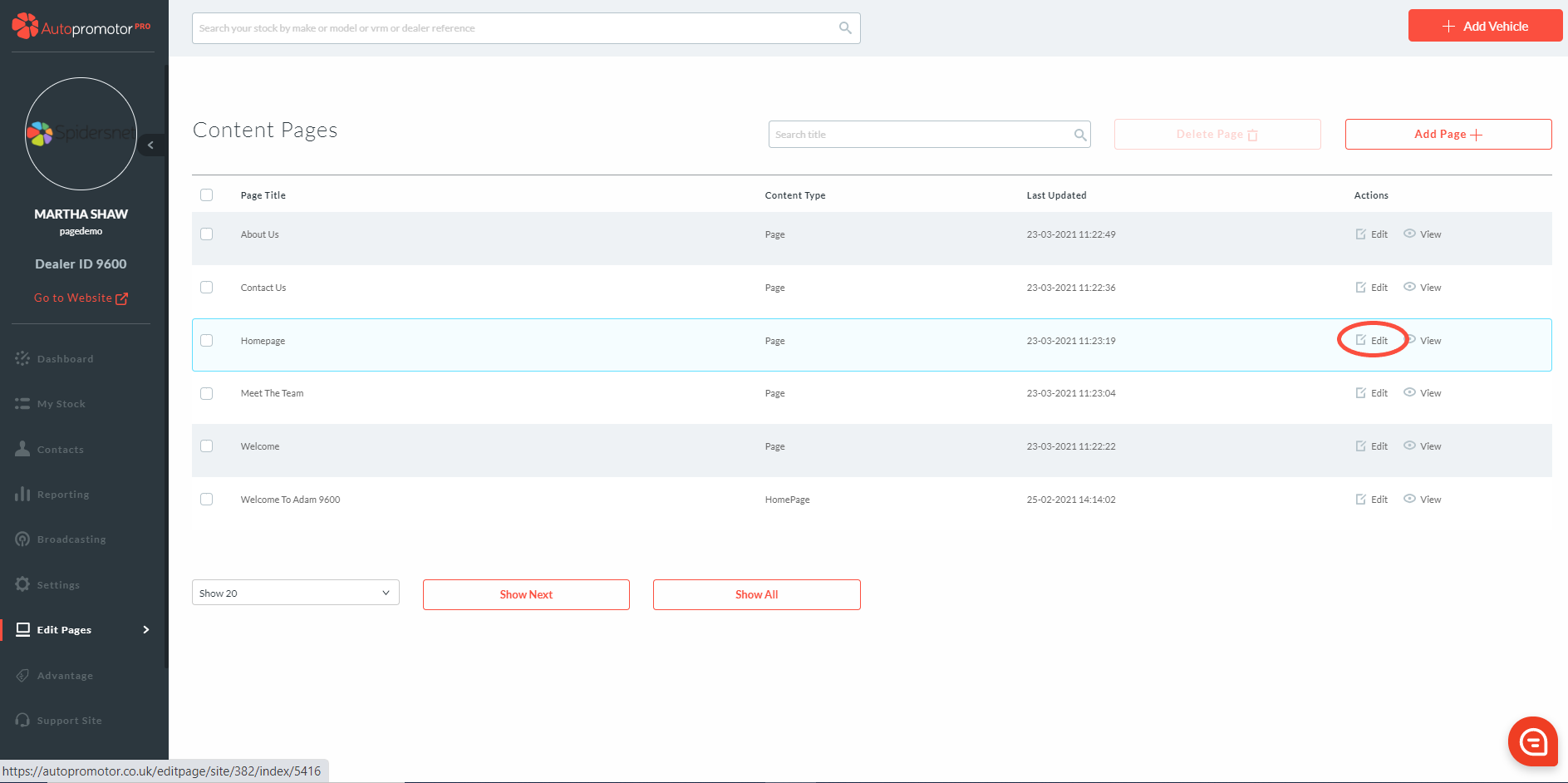
3. Find the page you want to delete slides from and click on ‘Edit’
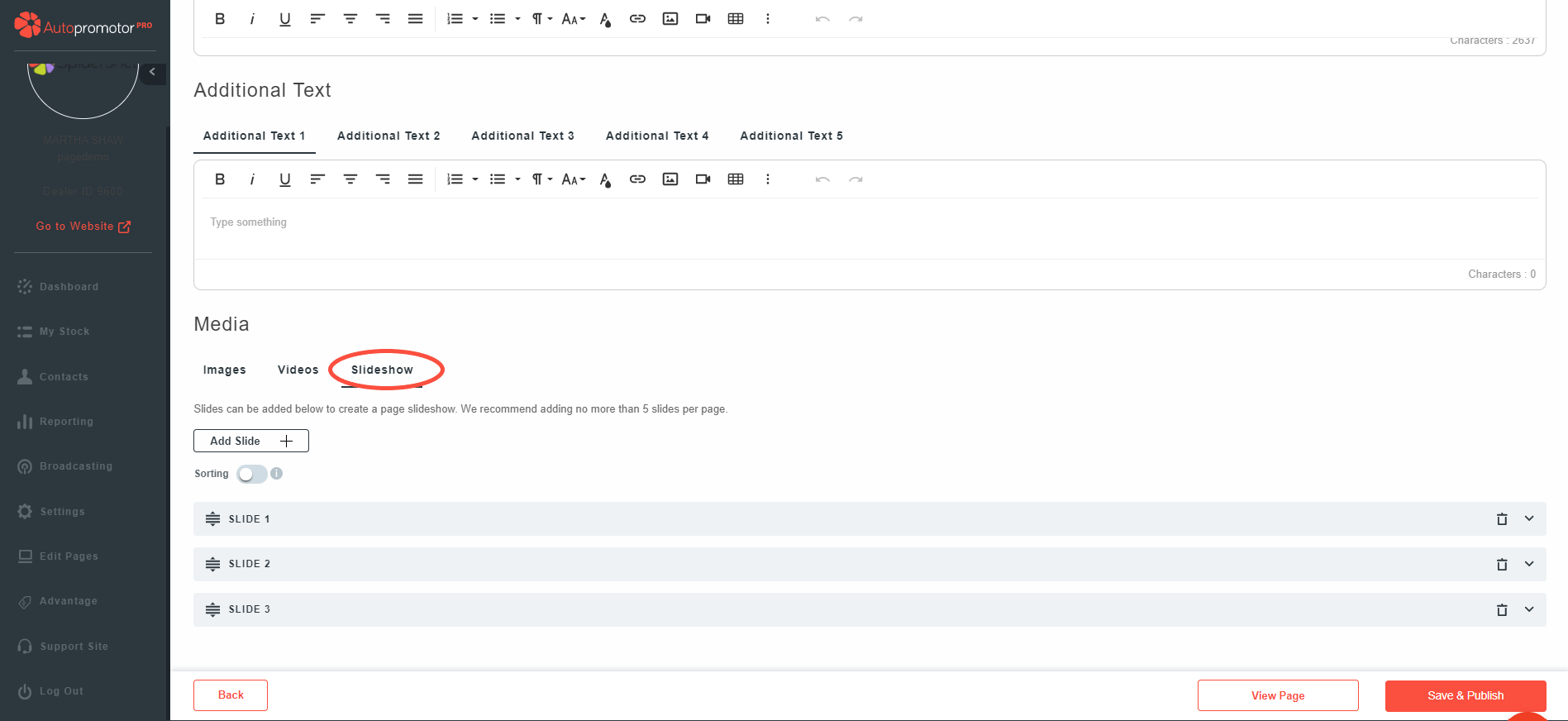
4. Scroll down to ‘Media’ Section 5. Click on ‘Slideshow’
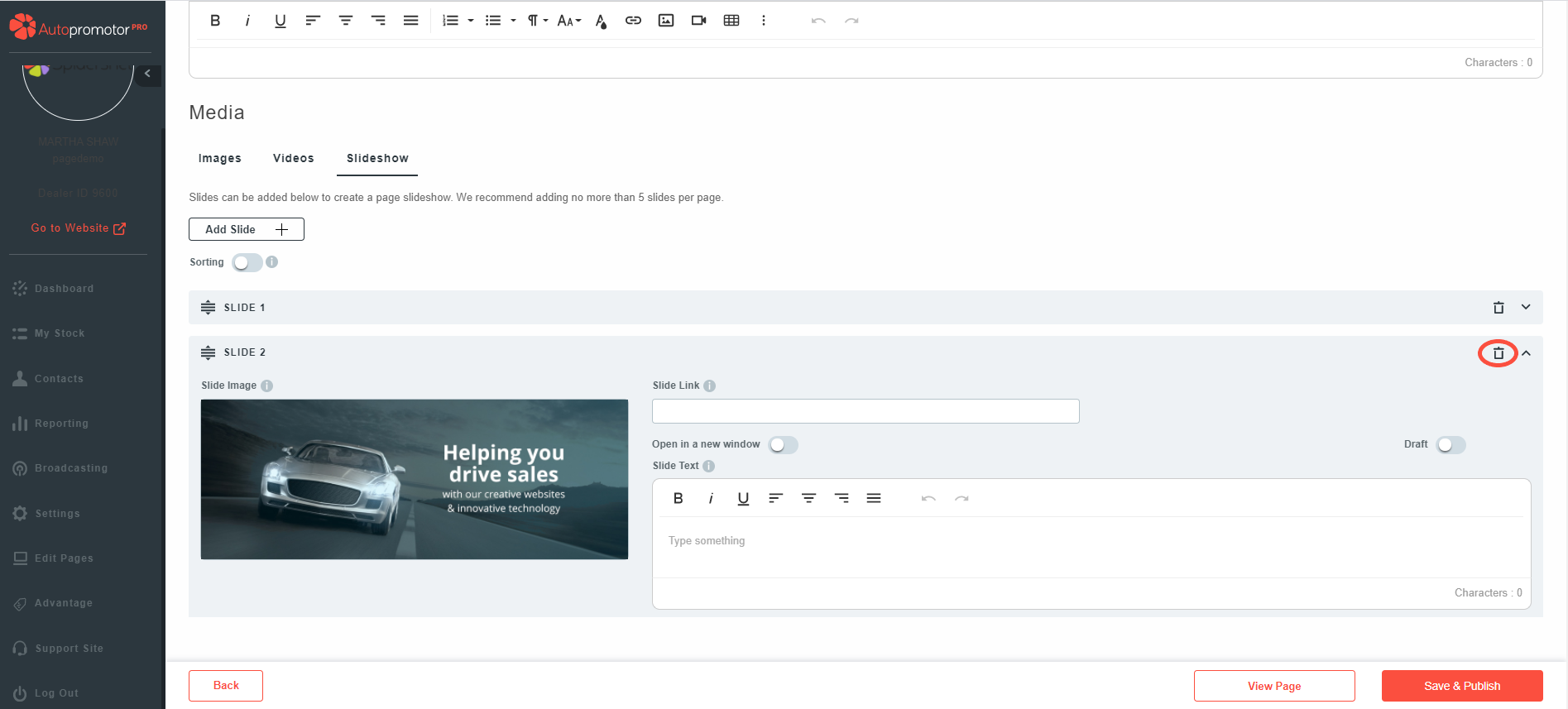
6. Find the slide you would like to remove by expanding the rows 7. Once you have found the slide, simply click on the delete/bin icon
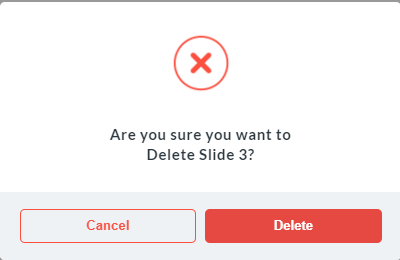
8. A pop-up will appear asking you to confirm that you would like to delete the slide 9. Click on ‘Delete’
10. Click on ‘Save & Publish’
NOTES:
- The slide will be removed from your webpage within 5 minutes
 01273 837559
 Email Us